
01
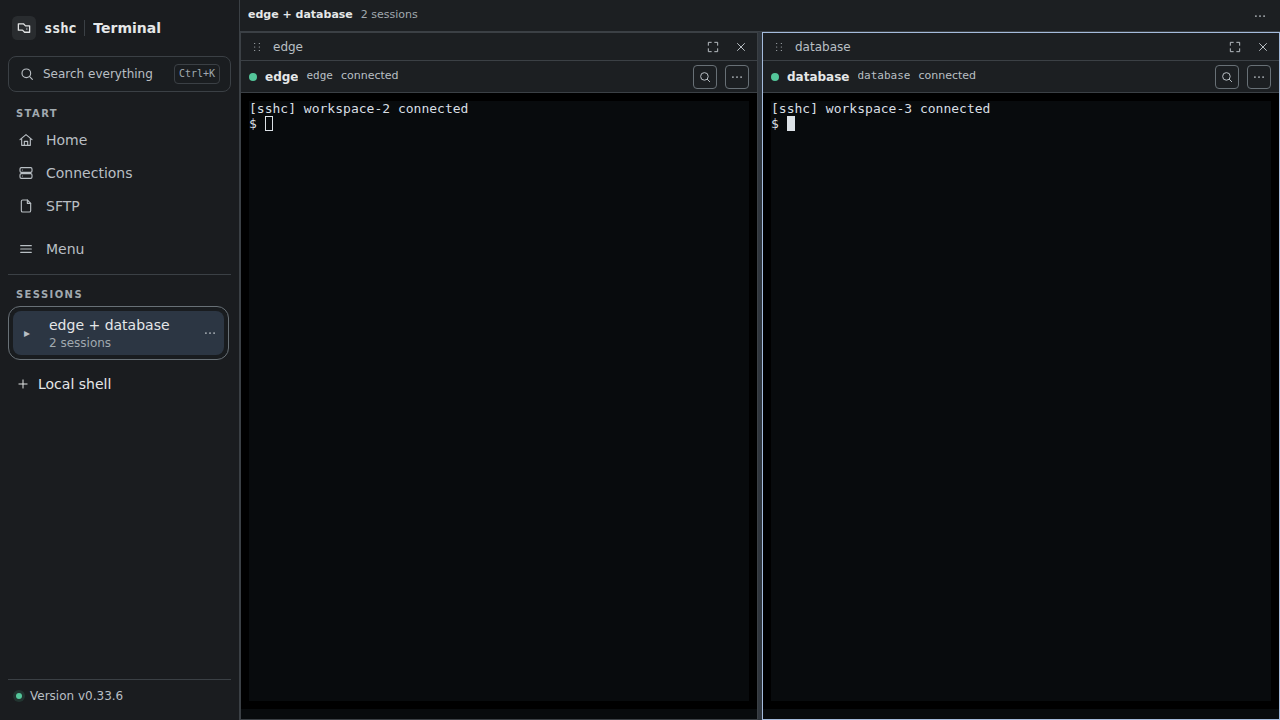
SSH and local shells
Reconnect, search, forward ports, and arrange up to four panes in one terminal.
sshc is a terminal app that uses your existing OpenSSH configuration. It combines SSH and local shells with SFTP, reusable credentials, a CLI for AI agents, and encrypted sync across devices through S3-compatible storage you provide.
PlatformsmacOS / Windows / Linux / Android
Open SSH sessions and local shells in multiple panes, then use SFTP and port forwarding with the same connections. Connection settings remain in OpenSSH format.
Reconnect, search, forward ports, and arrange up to four panes in one terminal.
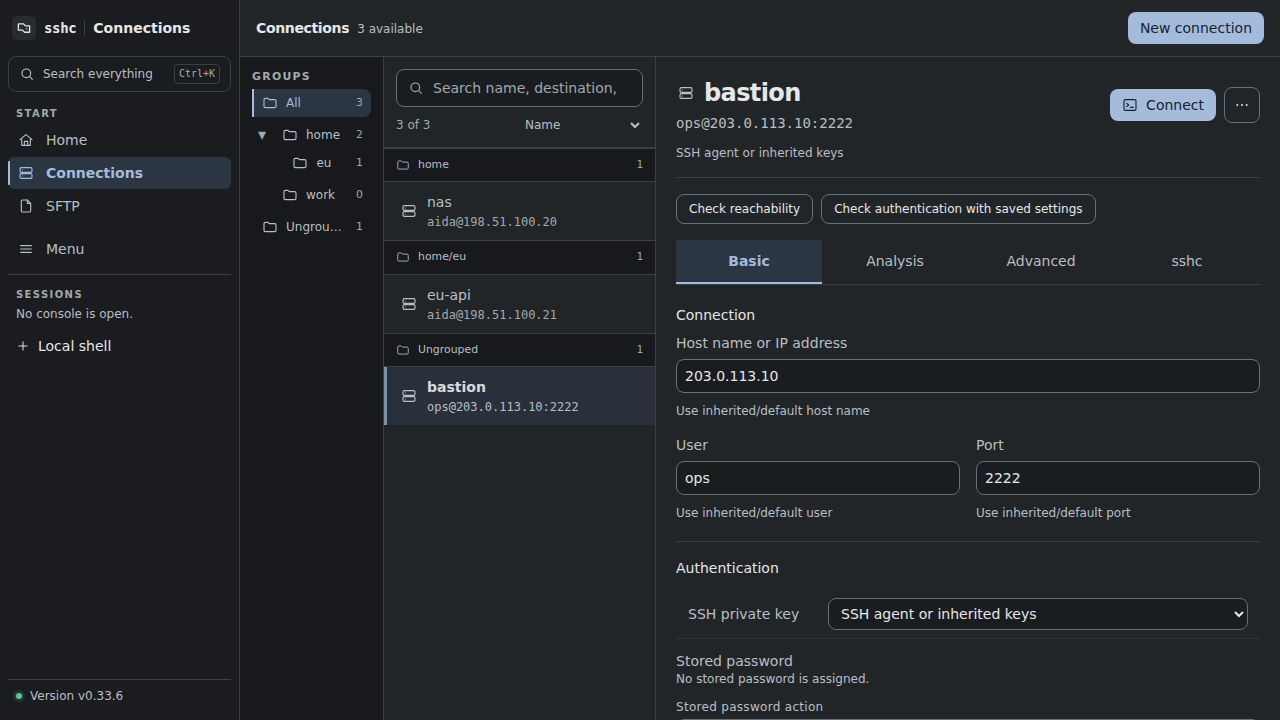
Keep ~/.ssh/config, Include, and Match intact, so regular ssh and VS Code use the same aliases.
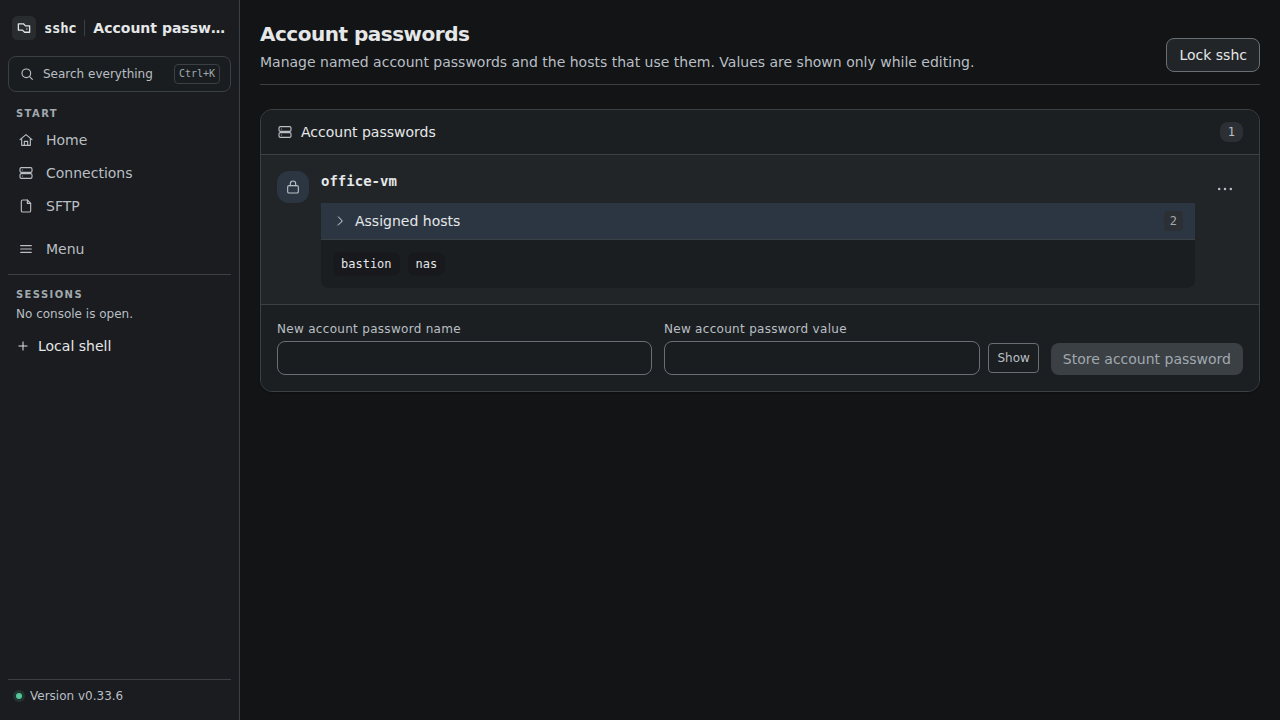
Register passwords and key passphrases in the vault once, then use them from the terminal, SFTP, and CLI without configuring each feature separately.
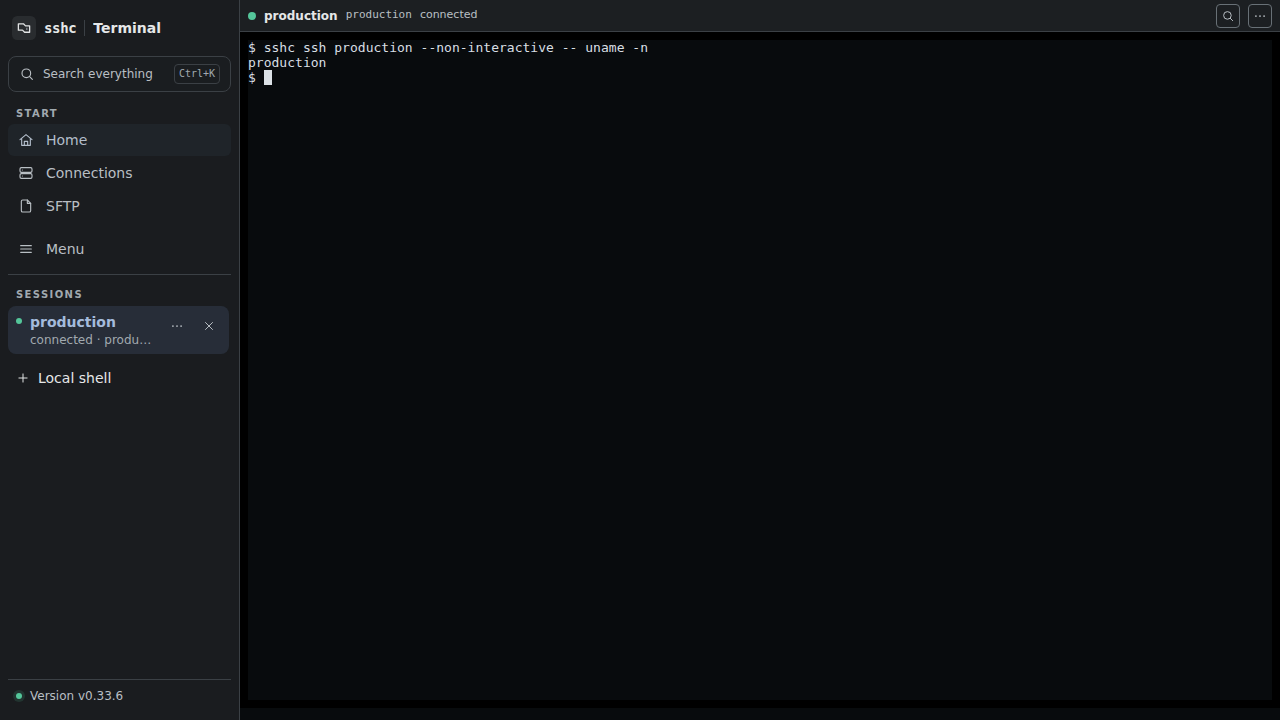
Codex and other agents can call sshc directly and connect with saved credentials.
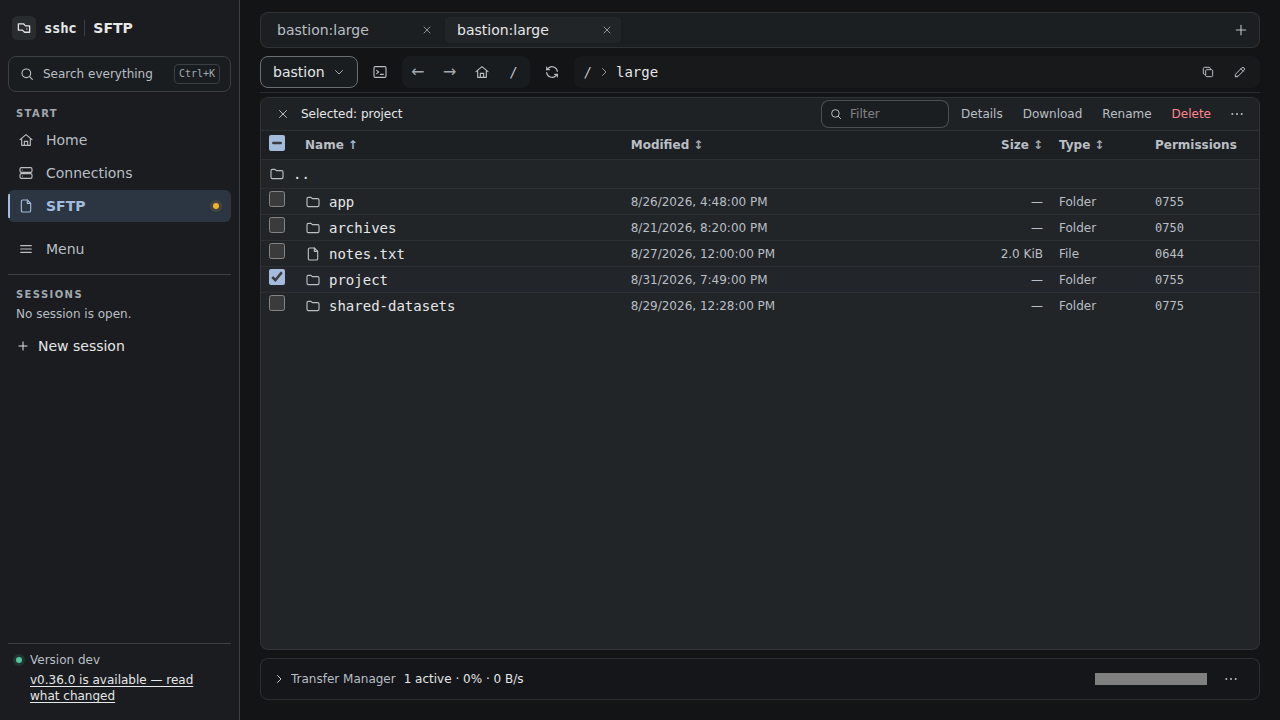
Edit remote files, transfer folders, compare two remote connections, and copy directly between them alongside the terminal.
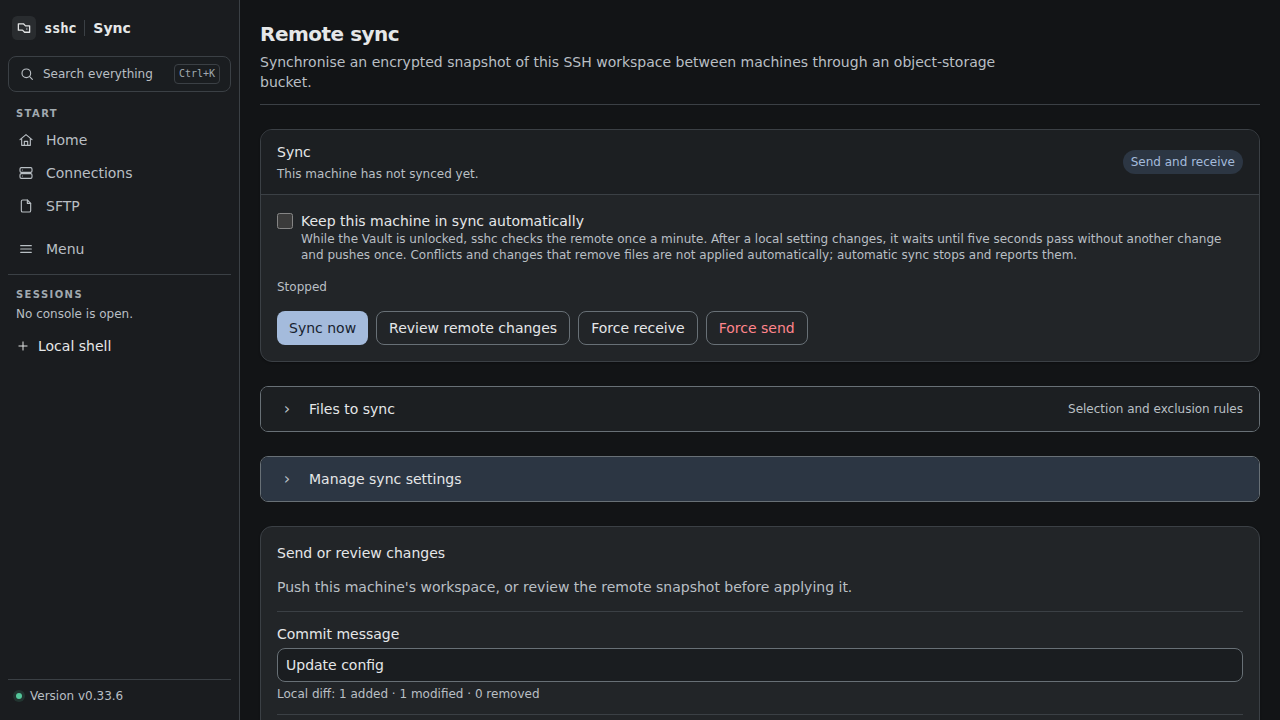
Encrypt connections, keys, credentials, and snippets before syncing through S3-compatible storage you provide. sshc does not host or retain the synced data.
Install through Homebrew on macOS and Linux, or use the verified PowerShell installer from GitHub Releases on Windows.
brew install aida0710/tap/sshcmacOS / Linux