
Quick Commands and Snippets
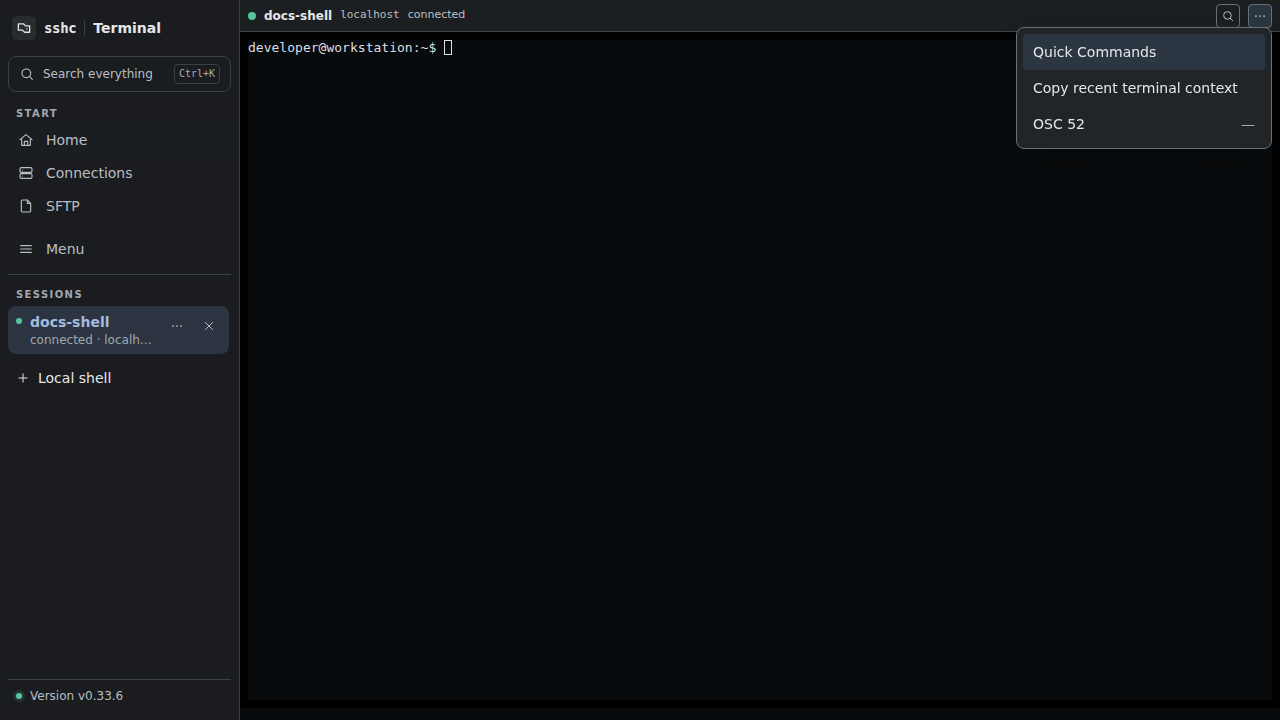
Open Quick Commands from the terminal overflow menu to insert, run, or copy a saved Snippet in the current pane.
Create named commands and variables under Menu → Snippets. Secret variables are handled separately and the library is encrypted with the vault master key.
Execution has a preview step showing targets, expanded commands, and required inputs. If the terminal process changes after preview, sshc refuses to send to the replacement process.
Under Menu → Snippets, "Connection startup" assigns one Snippet per host. On the first connection and on every automatic reconnection, sshc sends the command and Enter only after authentication and the remote shell have started; it never writes to an authentication prompt. Variable values, secret ones included, are stored encrypted with the assignment, and because the expanded value is typed on every connection it may remain in the remote shell history, TTY echo, or scrollback.
The Snippets screen can also run one Snippet against several hosts as non-interactive SSH executions. It previews the expanded command and the resolved targets before starting and reports the result per host. One run takes up to 64 targets and executes 4 at a time. These executions use their own connections and do not inherit the working directory or shell state of an open pane.
With two or more panes, Command Center can target selected SSH and local-shell panes. It previews an ad-hoc command or Snippet before writing the command and Enter to each PTY.
Secrets
The normal preview replaces secret variables with [secret]. After confirmation, sshc writes the expanded value to the PTY. It may remain in remote shell history, TTY echo, or scrollback, so verify the targets and command before sending it.